The Apps I Always Recommend When You Visit Da Nang

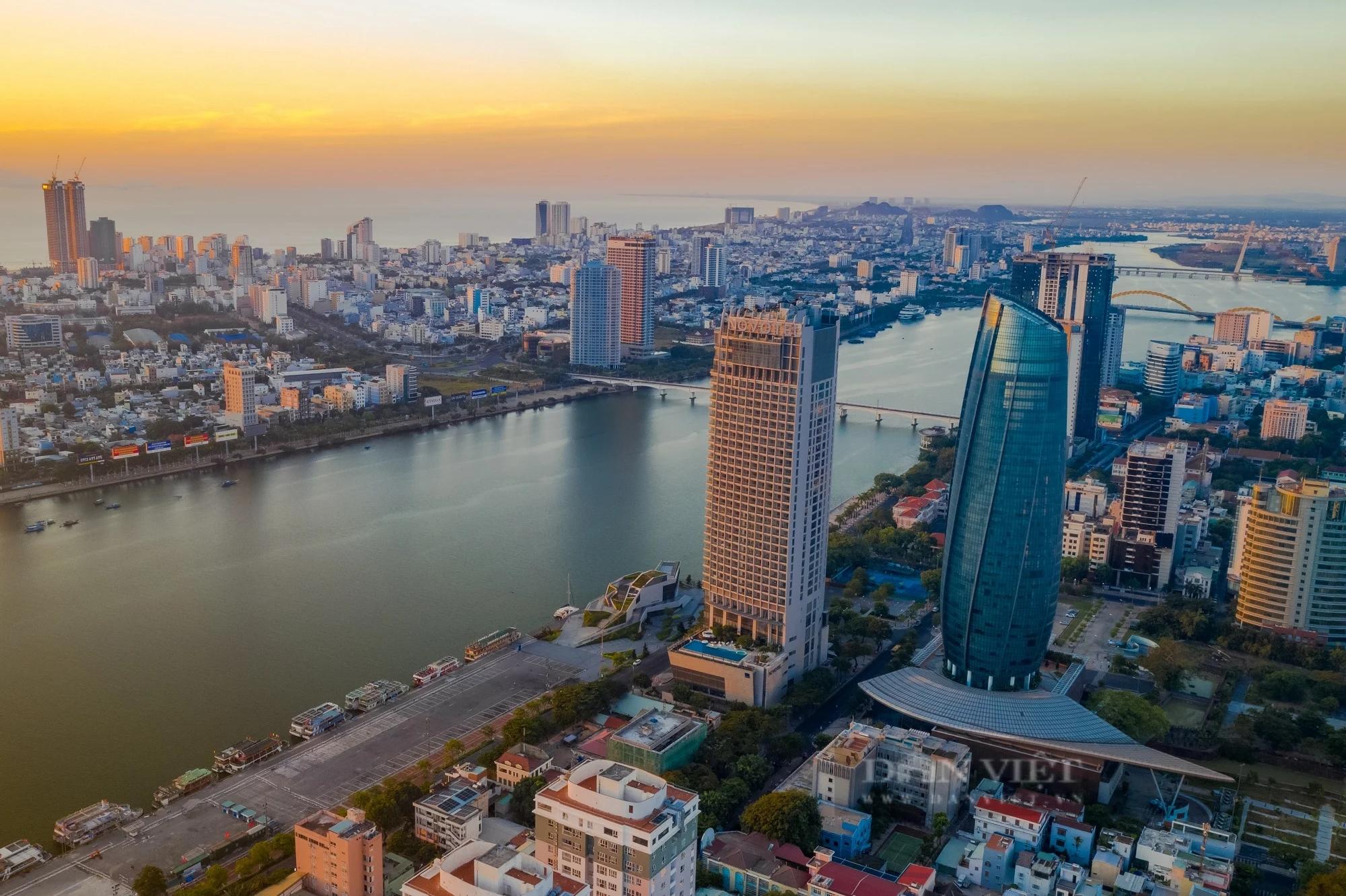
I first came to Da Nang many years ago with the plan to stay for just a few weeks. Somehow, those weeks turned into years. Da Nang is one of those rare cities that feels modern without being overwhelming, relaxed without being boring—and surprisingly easy to live in.
One of the most common questions I get from friends and travelers is: “How do you get around Da Nang? Is public transportation difficult?”
My answer is always the same: Not at all—if you have the right apps on your phone.
Below are the apps I personally recommend you have when visiting Da Nang, especially if you want to use public transportation and move around the city with confidence.
If you want to experience Da Nang like a local, try the public bus system. DanaBus is the city’s official app and helps you:
Check bus routes and schedules
Find nearby bus stops
Track buses in real time
I’ll be honest—public buses in Vietnam can feel intimidating at first. But DanaBus makes them much easier to understand and use. It’s not perfect, but it’s reliable and practical.
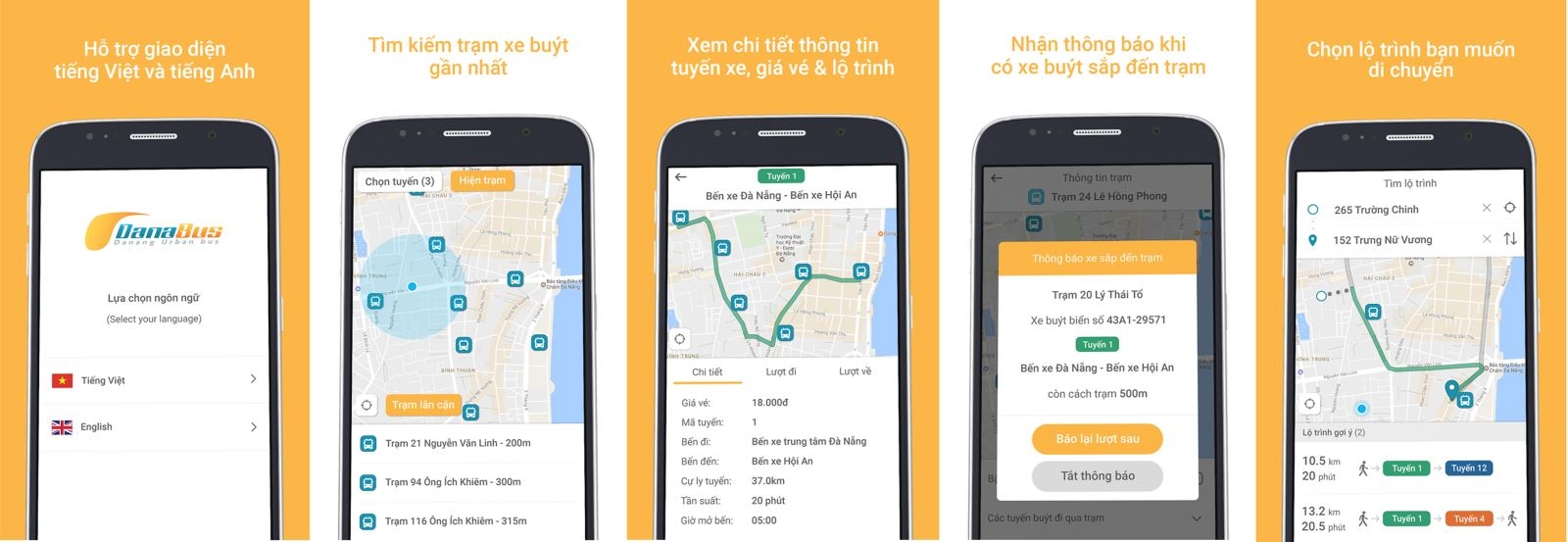 Five DanaBus app screenshots on phones showing language choice, nearby bus stops, route details and live bus tracking
If you’re used to smart transit apps, BusMap is a solid alternative. With BusMap, you can:
Quickly look up bus routes
See the nearest bus stops
Combine walking directions with bus routes
I often use BusMap alongside Google Maps to double-check routes and timings, especially when I’m heading somewhere new.
 Green BusMap logo and tagline A Smart Bus Map for a Smart City with bus stop, signpost, alarm clock and star icons
To be completely honest, Grab is the app I use most in daily life. With Grab, you can:
Book motorbikes or cars
See the fare upfront
Pay with cash or card
For foreigners, Grab removes a lot of uncertainty—no bargaining, no language stress, and clear pricing. On hot or rainy days, it’s an absolute lifesaver.
 Grab motorbike drivers in green Grab jackets and helmets seen from behind while riding in city traffic
Da Nang is at its best in the early morning or late afternoon, especially along the beach or the Han River. TNGo lets you:
Rent public bicycles by scanning a QR code
Pick up and return bikes at multiple stations across the city
I use TNGo for short trips or when I simply want to enjoy the scenery at a slower pace. It’s a great option for travelers who like exploring beyond taxis and motorbikes.
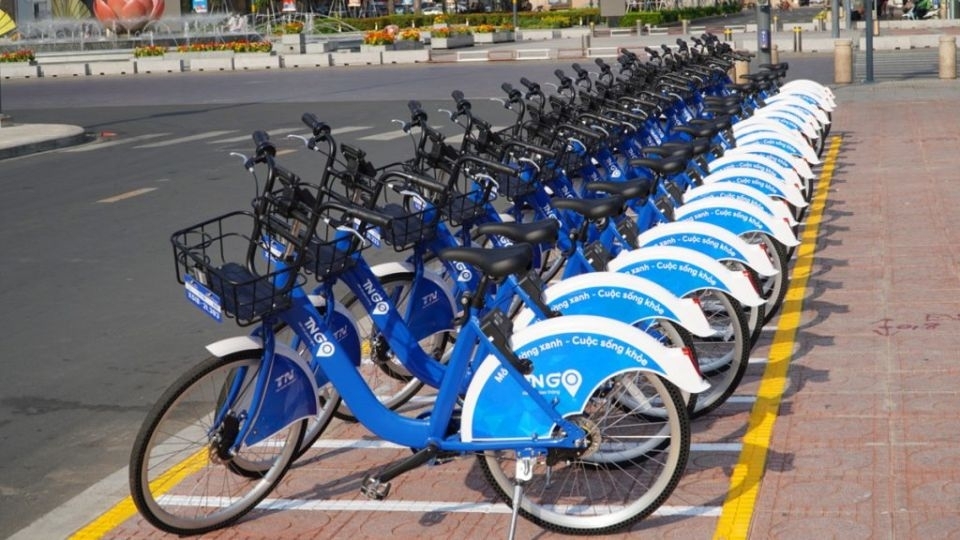 A long row of blue TNGo public rental bicycles parked at a station on a city street on a sunny day
No matter where you are in the world, Google Maps is essential—and Da Nang is no exception. It helps you:
Navigate accurately
View many bus routes
Find restaurants, attractions, and bus stops
My recommendation is to use Google Maps together with DanaBus or BusMap for the smoothest experience.
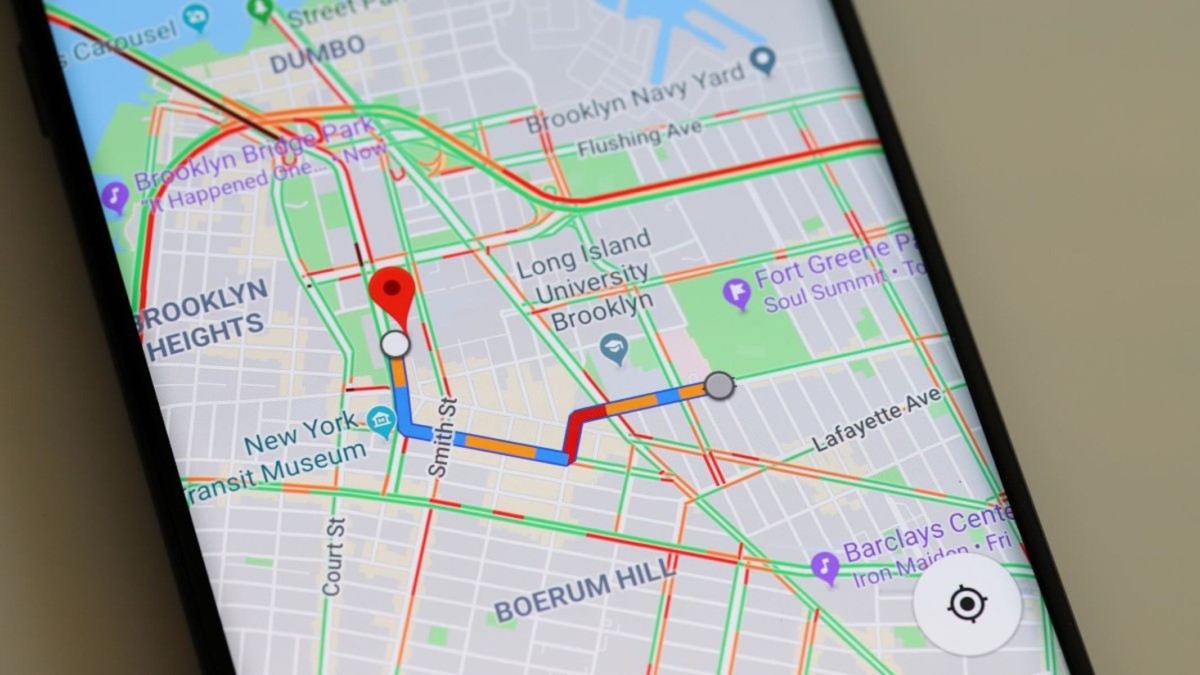 Smartphone displaying Google Maps with a highlighted transit route and traffic across a city street grid
Not everyone in Da Nang speaks English, especially on public transport or in local neighborhoods.
Google Translate is incredibly helpful for basic communication
Offline map apps like Maps.me or HERE WeGo are useful if your internet connection drops
Da Nang is not a difficult city to navigate—even for foreigners. With just a few well-chosen apps, you can: Final Thoughts
Da Nang is not a difficult city to navigate—even for foreigners. With just a few well-chosen apps, you can:
Use public buses with confidence
Get around quickly with ride-hailing services
Enjoy bike rides along the coast
Find your way without stress
If you’re planning a trip to Da Nang, install these apps ahead of time. They are the apps I always recommend as someone who has lived here for many years.

One local roundup a month — new guides, festival dates and where to eat. No spam.